Write Her Name in the Stars with Python Turtle (Full Code)
Part 2 of Impress Your GF with Python: this turtle program paints a midnight-blue sky, scatters 100 white stars at random, then draws a name in gold stars joined by lines, like a constellation. The example spells EMMA.
Each letter is stored as a short string of star positions, such as "00 28 40 34 14" for A, and a loop joins them up star by star. Draw it here in your browser, then add letters to spell any name you like.
What you will learn
- Random positions and sizes with random.randint
- Moving without drawing using penup() and goto()
- Storing shapes as data in a dictionary
- Splitting a string and turning digits into numbers with int()
- Nested loops: letters, then the stars in each letter
How the code works
- 1
A night sky
turtle.bgcolor("midnightblue") paints the sky. hideturtle() hides the arrow and penup() lifts the pen, so the turtle can jump around without drawing lines.
- 2
100 random stars
The first loop runs 100 times. Each time the turtle jumps to a random spot with goto(random.randint(...), random.randint(...)) and draws a small white dot of a random size between 2 and 5.
- 3
Each letter is a star map
The stars dictionary stores every letter as a string of points. Each pair of digits is one star: "28" means x = 2, y = 8 on a small grid. E needs 7 stars, M and A need 5.
- 4
Join the stars
For each letter of "EMMA", the turtle lifts the pen, then visits each star: split() breaks the string into pairs, int() turns the digits into numbers, and goto() moves there (multiplied by 20 to make it bigger). After the first star the pen goes down, so every move draws a gold line, and dot(12) marks each star.
- 5
Spell any name
x moves 130 steps to the right after each letter. To write another name, change "EMMA" and add its letters to the dictionary: draw the letter on a 5 by 9 grid and list its stars in the order the pen should visit them.
Full source code
Copy it, download it, or press Run it to play and change it in your browser.
import turtle, random

t = turtle.Turtle()
turtle.bgcolor("midnightblue")
t.speed(0)
t.hideturtle()
t.penup()

for i in range(100):
    t.goto(random.randint(-300, 300),
           random.randint(-220, 220))
    t.dot(random.randint(2, 5), "white")

stars = {
    "E": "48 08 04 34 04 00 40",
    "M": "00 08 24 48 40",
    "A": "00 28 40 34 14",
}

x = -250
t.color("gold")
t.width(3)
for letter in "EMMA":
    t.penup()
    for p in stars[letter].split():
        px, py = int(p[0]), int(p[1])
        t.goto(x + px * 20, py * 20 - 80)
        t.pendown()
        t.dot(12)
    x += 130

turtle.done()
Run it on your computer
- Install Python 3 if you do not have it yet.
- Save the code as
main.pyand runpython main.py
More Python projects
 Turtle Video
Python Turtle Flower
Draw a glowing flower of 36 pink, red and violet petals with Python's turtle, add a gold centre and a "For you ❤" message. Twenty lines of code to impress someone special.
 Turtle Video
Python Christmas Tree
Draw a Christmas tree with Python's turtle module: three green triangles, a trunk, glowing ornaments, a gold star and a "Merry Christmas!" message. A perfect first drawing project for beginners.
 Pygame
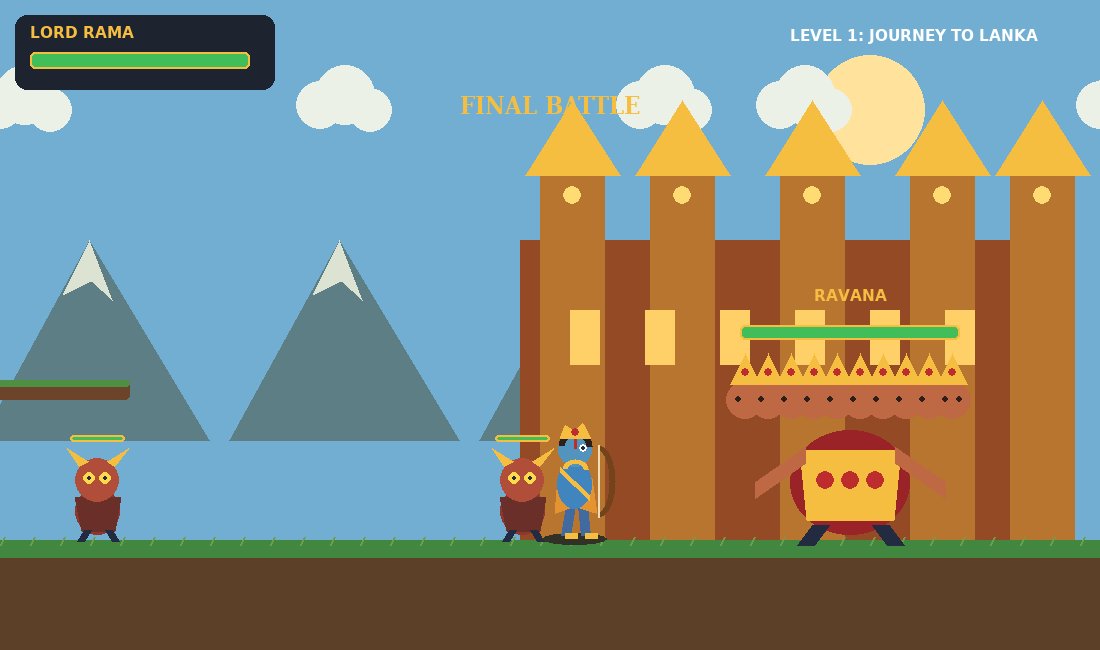
Ramayana: The Battle of Lanka
A side-scrolling action game in Python and Pygame: play as Lord Rama, fight your way through the demons with divine arrows and defeat ten-headed Ravana at the gates of Lanka.